Running Containers Without Init: A Cautionary Tale
How zombie processes nearly killed our legacy Rails app, and what we did about it without rebuilding the ancient container.
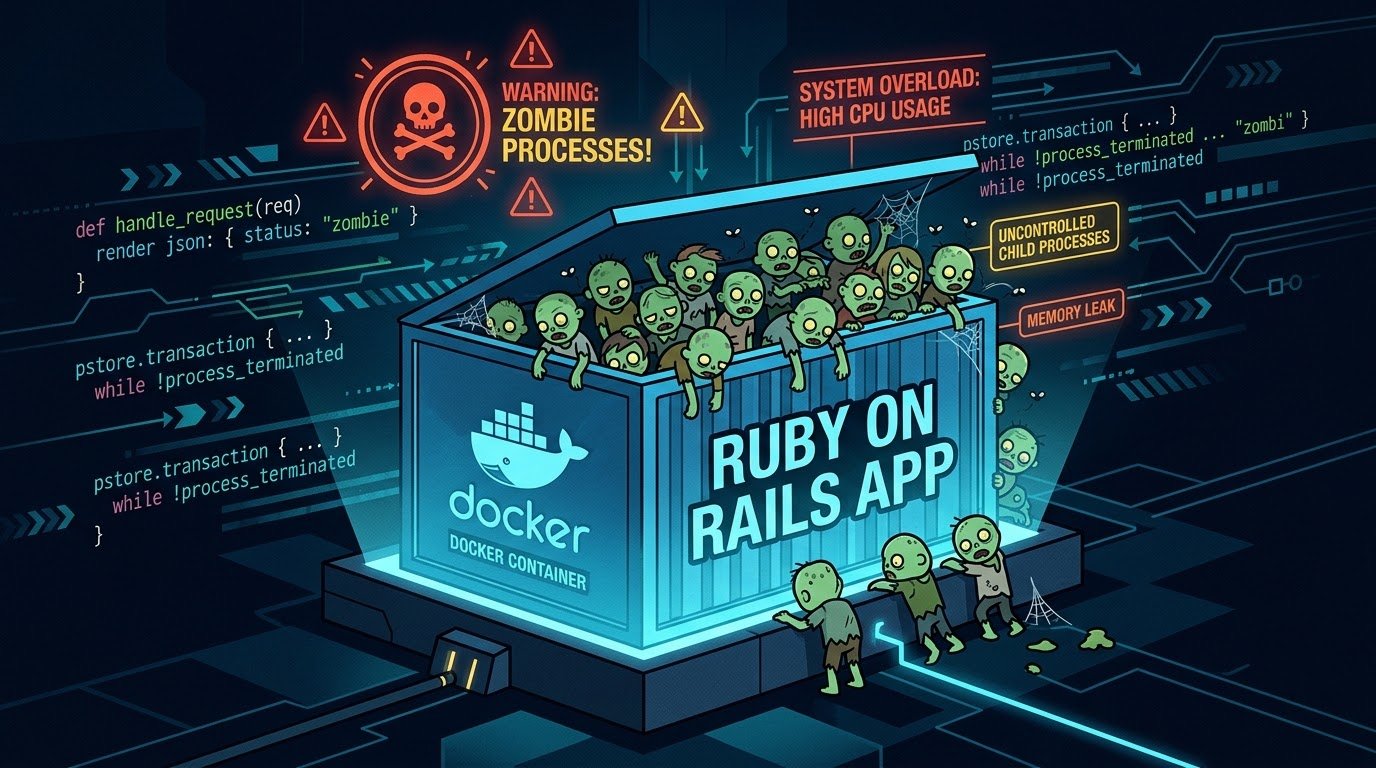
When running containerized applications that spawn subprocesses, the absence of a proper init system (PID 1) can lead to zombie process accumulation and eventual container failure. This is the story of one of our legacy applications and how we solved the problem without touching its end-of-life base image.
TL;DR: Always run containers with an init process (init: true in Docker Compose, or tini/dumb-init in the Dockerfile) to properly reap zombie processes. If you can't rebuild the image, bind-mount a static init binary. If you can't touch the container at all, use monitoring and automated restarts.
The Problem
What is PID 1 and Why Does it Matter?
In Unix-like systems, PID 1 (the init process) has special responsibilities:
- Process reaping: When a child process exits, it becomes a "zombie" until its parent calls
wait()to collect its exit status - Orphan adoption: When a parent process dies, its children are re-parented to PID 1
- Signal handling: PID 1 must handle signals properly for graceful shutdown
In a container, whatever process you start becomes PID 1, but most applications are not designed to handle these responsibilities.
The Case Study
Our Rails application (bundle exec rails server) runs as PID 1 in the container. The application:
- Shells out to an external command-line tool for part of its work
- Spawns these tools via a shell, so the actual worker processes are grandchildren of Rails
- Never reaps the orphaned processes that get re-parented to it
Over time:
- The worker processes complete and become
<defunct>zombies - Zombie count grows: 100 → 500 → 1000+
- Container hits its PID limit
- New processes fail to spawn
- Application becomes unresponsive
Why This Happens
PID 1: bundle exec rails server (not designed to be init)
  ├─ PID 123: worker process (exits) → <defunct> zombie
  ├─ PID 124: worker process (exits) → <defunct> zombie
  ├─ PID 125: worker process (exits) → <defunct> zombie
  └─ ... (accumulates forever)
When the intermediate shell exits, the worker is re-parented to PID 1. Rails never calls wait() on processes it didn't knowingly spawn, so they remain as zombies indefinitely.
Caveat: An init only helps with orphans. If your application is the direct parent of a child and never waits on it, the zombie stays until the application exits — no init can fix that. Check the PPID of the zombies (
ps -eo pid,ppid,stat,cmd) before picking a fix.
Detection & Monitoring
Manual Inspection
# Check zombie count inside container
docker exec legacy_app ps -eo stat | grep -c '^Z'

# Check container's PID usage from host (cgroup v2, systemd driver)
cat /sys/fs/cgroup/system.slice/docker-<container-id>.scope/pids.current
cat /sys/fs/cgroup/system.slice/docker-<container-id>.scope/pids.max
Note: Docker sets no PID limit by default. The effective limit comes from --pids-limit, systemd TasksMax, or the kernel's pid_max — check pids.max rather than assuming a number.
Automated Monitoring Script
We created check-docker.sh to monitor:
- Current PID count vs. limit
- Zombie process count
- Exit with appropriate status codes:
0: OK1: WARNING (1500+ PIDs or 500+ zombies)2: CRITICAL (1900+ PIDs)
Example output:
Container: legacy_app
Processes: 1847 / 2048 (90%)
Zombies: 523
WARNING: 523 zombie processes detected
Setting Appropriate Thresholds
Process count thresholds (for a 2048 limit):
- WARNING: 1500 (~73%)
- CRITICAL: 1900 (~93%)
Zombie thresholds:
- Initially: 100 zombies
- Adjusted to: 500 zombies (to reduce false positives)
Adjust based on:
- Your container's PID limit
- Application's normal process count
- How quickly zombies accumulate
Solution Options
Option 1: Docker Compose init: true (Best for Modern Systems)
services:
  app:
    image: myapp
    init: true  # Wraps command with docker-init (tini)
Pros:
- One-line change
- No image rebuild needed
- Standard Docker best practice
Cons:
- Requires compose file format 2.2+ (v2 branch) or 3.7+ (v3 branch). An older
version:line in the compose file silently prevents it from working — this is what bit us, not the docker-compose binary itself. - Requires container recreation
Option 2: Add Init to Dockerfile (Most Robust)
Best for: Long-term fix when you control the image
RUN apt-get update && apt-get install -y tini

ENTRYPOINT ["/usr/bin/tini", "--"]
CMD ["bundle", "exec", "rails", "server"]
Or use dumb-init:
RUN wget -O /usr/local/bin/dumb-init https://github.com/Yelp/dumb-init/releases/download/v1.2.5/dumb-init_1.2.5_x86_64 \
    && chmod +x /usr/local/bin/dumb-init

ENTRYPOINT ["/usr/local/bin/dumb-init", "--"]
Pros:
- Permanent fix at the image level
- Works across all Docker versions
- Proper signal handling
Cons:
- Requires image rebuild (unacceptable for some legacy systems)
- End-of-life base images may not have a usable package repository
- Testing required before production deployment
Option 3: Bind-mount a Static Init (No Rebuild)
Best for: No rebuild, but you can modify docker-compose.yml
Download tini-static on the host and mount it into the container. It's statically linked, so it runs regardless of how old the libc in the image is:
volumes:
  - ./tini-static:/sbin/tini:ro
entrypoint: ["/sbin/tini", "--"]
command: ["bundle", "exec", "rails", "server"]
Pros:
- No image rebuild
- Real init behaviour (reaping + signal forwarding)
- Works on any compose file format version
Cons:
- Requires container recreation
- One more file to keep track of on the host
A hand-rolled shell wrapper (trap + wait) is sometimes suggested here. Avoid it: whether it actually reaps adopted orphans depends on which sh the image ships, and signal forwarding is easy to get wrong.
Option 4: Scheduled Container Restarts (Our Choice)
Best for: Cannot modify the container or compose file at all
Automated script (smart-restart.sh) that:
- Monitors container health via
check-docker.sh - Only restarts when thresholds are exceeded
- Logs all actions with timestamps
Run via cron:
*/15 * * * * /opt/legacy-app/smart-restart.sh
Pros:
- Zero changes to container or compose file
- Self-healing and automated
- Logs provide an audit trail
- Easy to disable/modify
Cons:
- Treats the symptom, not the root cause
- Brief downtime during restart
- Zombies still accumulate (just managed)
Our Implementation
Why We Chose Smart Restarts
Given the constraints:
- Legacy system on an end-of-life base image
- Cannot rebuild the image without extensive testing
init: truedidn't take effect with the existing compose file- Risk-averse environment (long-running production system)
Smart restarts provided the least intrusive solution. In hindsight, Option 3 would have been a small, low-risk step up and is our planned next move.
Implementation Details
1. Monitoring Script (check-docker.sh):
- Reads cgroup PID counts from
/sys/fs/cgroup - Counts zombie processes inside the container
- Returns exit codes based on severity
2. Smart Restart Script (smart-restart.sh):
- Runs
check-docker.sh - Only restarts on WARNING/CRITICAL
- Logs all actions to a restart log
- Verifies container health after restart
3. Cron Schedule: every 15 minutes
4. Thresholds:
- Process count: 1500 (warn) / 1900 (critical)
- Zombies: 500 (warn)
Deployment Process
# 1. Make scripts executable
chmod +x /opt/legacy-app/check-docker.sh /opt/legacy-app/smart-restart.sh

# 2. Create log directory
mkdir -p /var/log/legacy-app

# 3. Test manually
/opt/legacy-app/smart-restart.sh

# 4. Add to crontab
(crontab -l 2>/dev/null; echo "*/15 * * * * /opt/legacy-app/smart-restart.sh") | crontab -

# 5. Verify
crontab -l | grep smart-restart
Monitoring and Maintenance
# Watch logs in real-time
tail -f /var/log/legacy-app/container-restart.log

# Check recent restarts
grep "Restarting" /var/log/legacy-app/container-restart.log

# Count restarts today
grep "Restarting" /var/log/legacy-app/container-restart.log | grep "$(date +%F)" | wc -l
Adjusting Behavior
If restarts are too frequent:
- Increase thresholds in
check-docker.sh - Reduce cron frequency (every 30 min instead of 15)
If zombies accumulate too much:
- Decrease zombie threshold
- Increase cron frequency (every 5–10 min)
Best Practices & Recommendations
For New Containers
-
Always use an init system from day one
RUN apt-get update && apt-get install -y tini ENTRYPOINT ["/usr/bin/tini", "--"] CMD ["your-app"] -
Or use the Docker Compose init flag (file format 2.2+/3.7+)
services: app: init: true -
Test with process-spawning workloads before production
For Legacy Systems
- Assess modification risk before rebuilding
- Monitor PID usage to understand the leak rate
- Implement automated monitoring (like
check-docker.sh) - Try a bind-mounted static init before resorting to restarts
- Consider scheduled restarts as a pragmatic last resort
- Document the technical debt for future refactoring
General Guidelines
- Set PID limits explicitly:
(Honoured in compose file format v2.1+; in v3 it is ignored outside Swarm unless you run withpids_limit: 2048--compatibilityor use the Compose Specification.) - Monitor zombie processes as a health metric
- Include init in base images when building new images
- Avoid running shells as PID 1 (always
execyour main process)
References
Docker Documentation
Init Systems for Containers
- tini – Minimal init for containers
- dumb-init – Simple process supervisor
- s6-overlay – Full init system
Understanding the Problem
Conclusion
Process management in containers requires understanding PID 1's special role. While proper init systems are the ideal solution, legacy systems may require pragmatic workarounds like automated monitoring and restarts.
Key Takeaways:
- Containers need init systems when spawning subprocesses
- Orphaned zombies accumulate without proper reaping
- Detection and monitoring are essential for diagnosis
- Multiple solutions exist with different trade-offs — and a static init can often be added without a rebuild
- Sometimes the best solution is the least intrusive one
For this application, smart restarts provide a minimal-risk solution that keeps the legacy system running while the technical debt is documented for future refactoring.